 PadLoop
17 keys · free
Virtual Kalimba
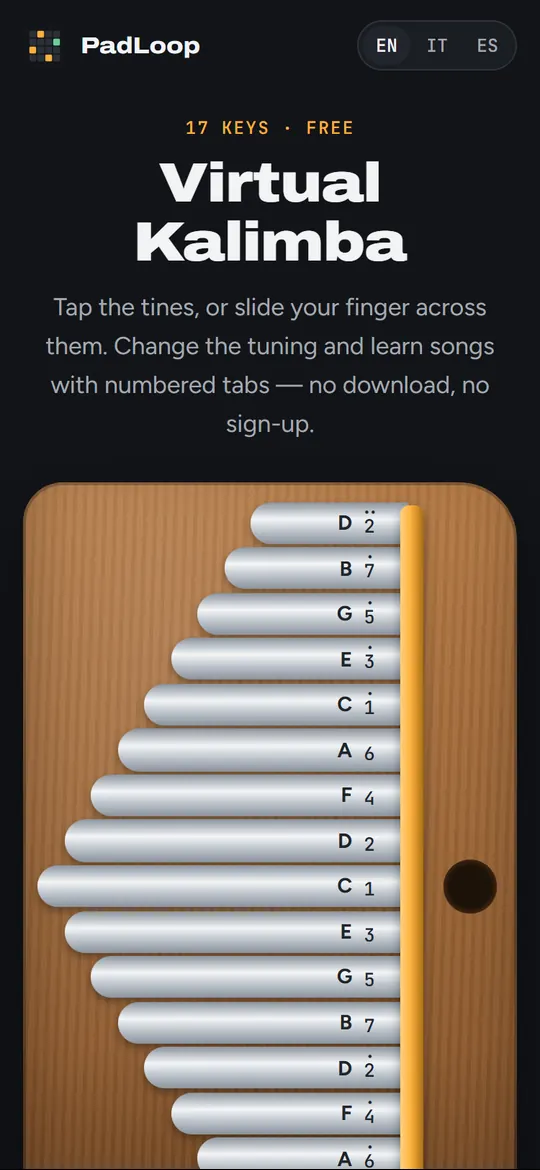
Tap the tines, or slide your finger across them. Change the tuning and learn songs with numbered tabs — no download, no sign-up.
Put a beat under your melody
PadLoop is a pad and loop station for your phone. Record a kalimba line as a loop, add drums and bass underneath, layer more parts and build a whole track.


Available for Android and iPhone.
How to play the kalimba
The longest tine in the middle is the lowest note. The notes go up alternating left and right, so neighbouring tines sound good together — play two or three at once for a chord, or slide across them for a glissando.
Kalimba tabs use numbers: 1 is C (Do), 2 is D (Re) and so on up to 7. A dot above the number means the octave above, two dots the one after. Pick a song under “Learn”: the next tine to play lights up in blue.
Questions
Is it free?
Yes. No ads, no account, nothing to download.
Can I play with the computer keyboard?
Yes: A S D F G H J K L play the lowest nine notes from low to high, Q W E R T Y U I the eight above.
What is the “tuning”?
Real kalimbas can be retuned by sliding a tine. Here you can switch from C major to G major, F major or A harmonic minor in one tap: the changed tines are marked in amber.
How is the sound made?
From a real kalimba note recording, retuned for every tine. It is close to the real thing, but a recorded kalimba still sounds richer.
More free tools
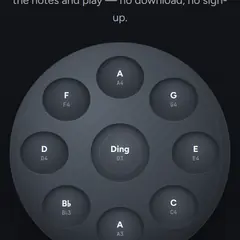 Online handpanA real D Kurd 9 recorded note by note, with the Ding's shoulder.
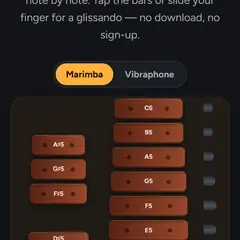 Marimba and vibraphoneReal recorded wooden and metal bars, two instruments in one.
 Easy songs to playChristmas songs and classics, with a Learn mode and the notes.
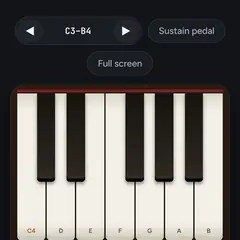 Online pianoReal recorded piano notes, multi-touch, with sustain pedal.
All free tools → · Make whole tracks on your phone with PadLoop →