 PadLoop
Real grand piano · free
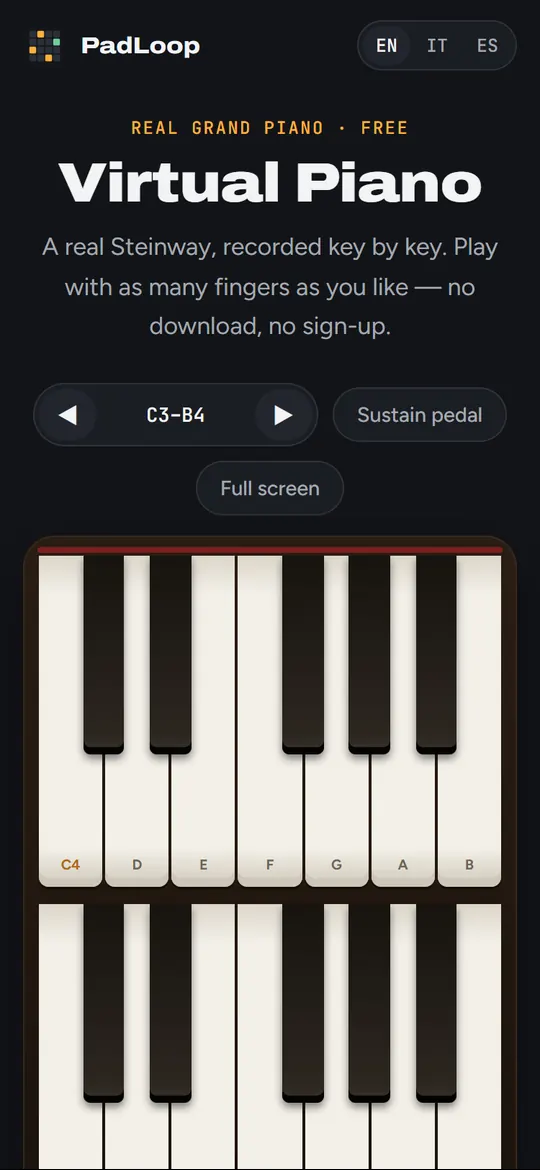
Virtual Piano
A real Steinway, recorded key by key. Play with as many fingers as you like — no download, no sign-up.
Turn your chords into a song
PadLoop is a pad and loop station for your phone. Play a chord progression, loop it, add drums, bass and your voice on top, and build a whole track. This piano is in it too.


Available for Android and iPhone.
How to play
Tap a key to play it. Tap near the bottom of a key for a loud, bright note and near the top for a soft one. Slide your finger along the keys for a glissando.
Turn on the sustain pedal to let the notes ring after you lift your fingers, like the right pedal of a real piano. Use the arrows to move up and down the keyboard.
Questions
Is it free?
Yes. No ads, no account, nothing to download.
Is it a real piano sound?
Yes: every note comes from a Steinway grand recorded by the University of Iowa Electronic Music Studios, at two strengths (soft and loud).
Can I play with the computer keyboard?
Yes: A W S E D F T G Y H U J K play one octave (white and black keys), O L P ; go higher, Z and X change octave, and holding Space works as the sustain pedal.
Does it work on iPhone and Android?
Yes, in any modern browser, with several fingers at once. Hold the phone upright for two rows of big keys, or sideways for one long keyboard. On iPhone it plays even with the silent switch on.
Can I record what I play?
Not here. In the PadLoop app you can record your playing as a loop, add more parts on top and export the song.
More free tools
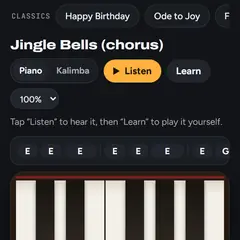 Easy songs to playChristmas songs and classics, with a Learn mode and the notes.
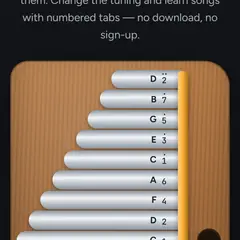 Online kalimba17 keys in C with the tab numbers, played with your thumbs.
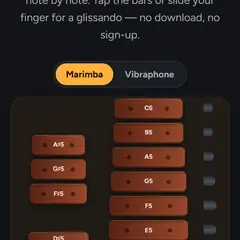 Marimba and vibraphoneReal recorded wooden and metal bars, two instruments in one.
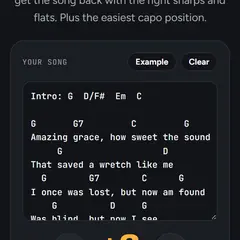 Transpose chordsChange the key of a song's chords and find the best capo.
All free tools → · Make whole tracks on your phone with PadLoop →