 PadLoop
Free tool · no upload
Loop Cutter
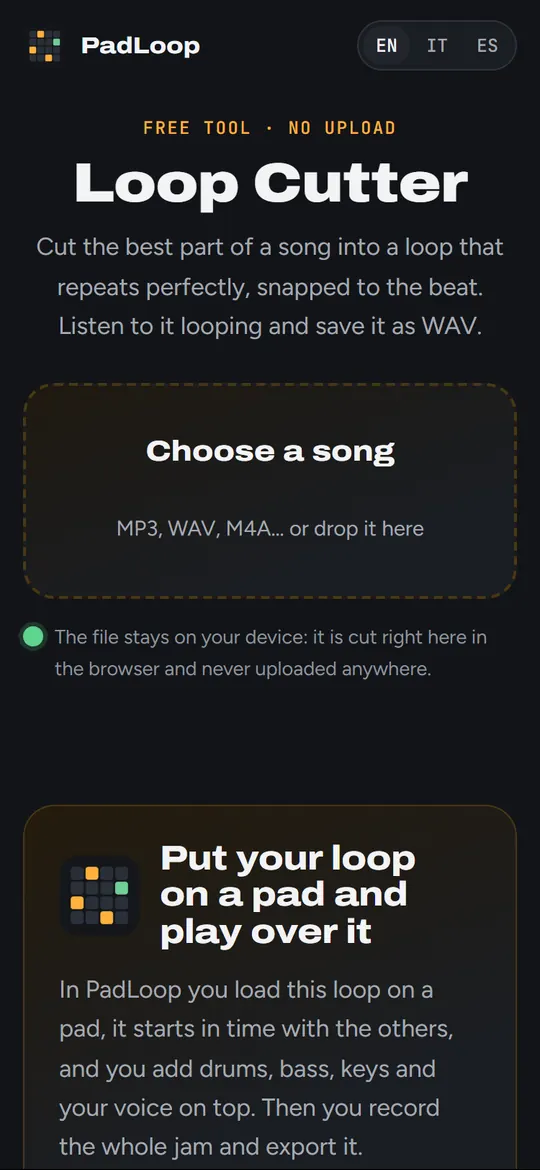
Cut the best part of a song into a loop that repeats perfectly, snapped to the beat. Listen to it looping and save it as WAV.
The file stays on your device: it is cut right here in the browser and never uploaded anywhere.
Put your loop on a pad and play over it
In PadLoop you load this loop on a pad, it starts in time with the others, and you add drums, bass, keys and your voice on top. Then you record the whole jam and export it.


Available for Android and iPhone.
How to cut a good loop
Choose a part where the music repeats, for example 2 or 4 bars of the chorus. Keep “Snap to beat” on: the start and the end jump to the beats, so the loop comes back in time without hiccups.
Listen to it looping a few times. If it stumbles, check the BPM (you can type it), or move start and end with the arrows. The light fades at the edges remove the little click you sometimes hear at the joint.
Questions
Is my song uploaded?
No. Cutting and saving happen in your browser; the song never leaves your device.
Where does the file go?
In your downloads, with “padloop.net” in the name so you can find it. On iPhone it goes to the Files app, in Downloads.
Can I use any song?
For practising and personal jams, yes. To publish something made with someone else’s music you need the rights to that music.
Why WAV and not MP3?
WAV keeps the loop exactly as it is, with no silence added at the start: that is what makes it repeat in time. Every music app opens it.
More free tools
 BPM and key finderOpen a song and read its tempo and key in seconds.
 Ringtone maker30 seconds of a song as MP3 for Android or M4R for iPhone.
 Audio converterMP3, M4A, WAV, FLAC, OGG and audio from video. Nothing uploaded.
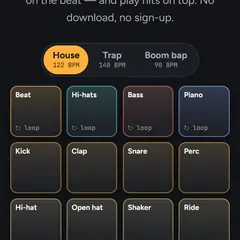 Online drum padLoops that always start in time, plus pads to play on top.
All free tools → · Make whole tracks on your phone with PadLoop →