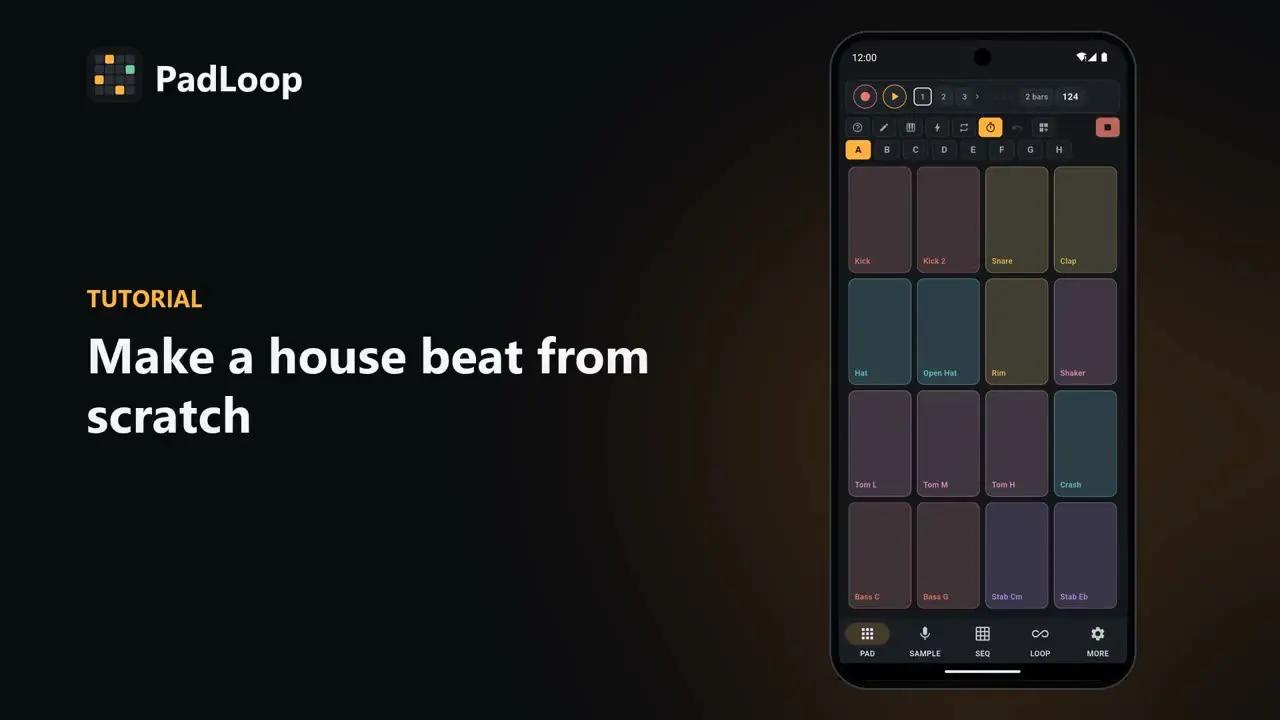
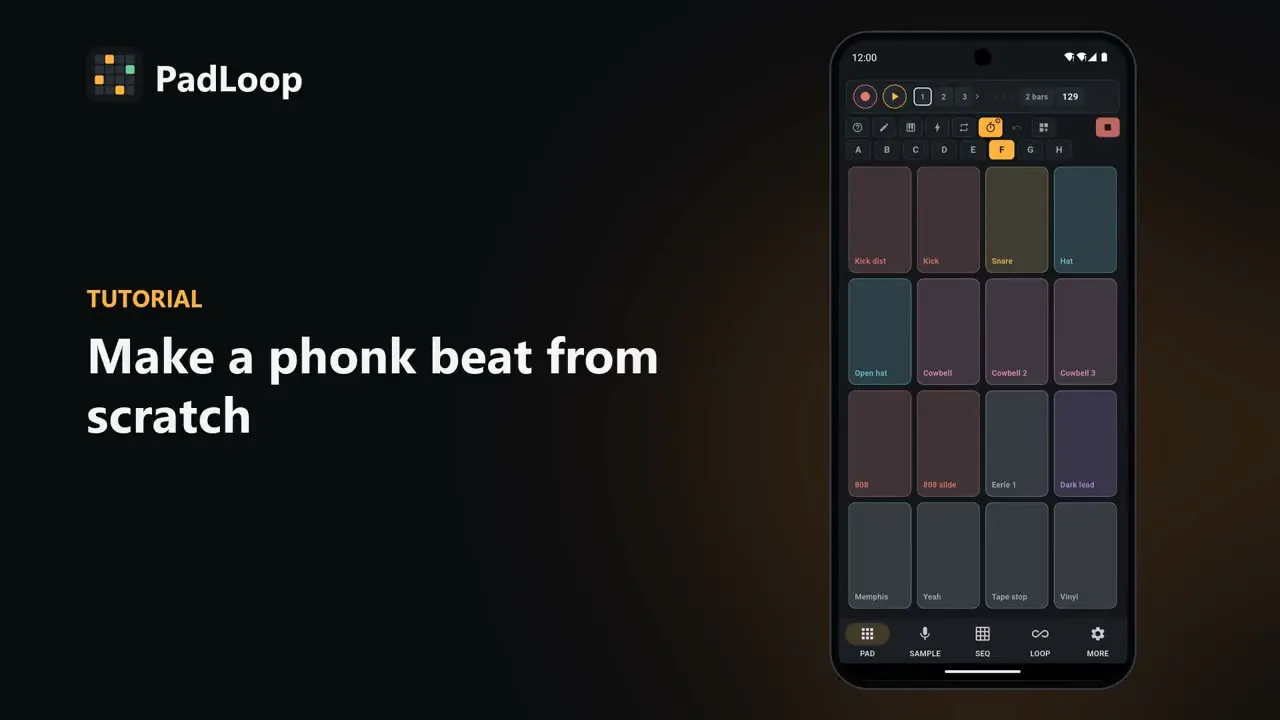
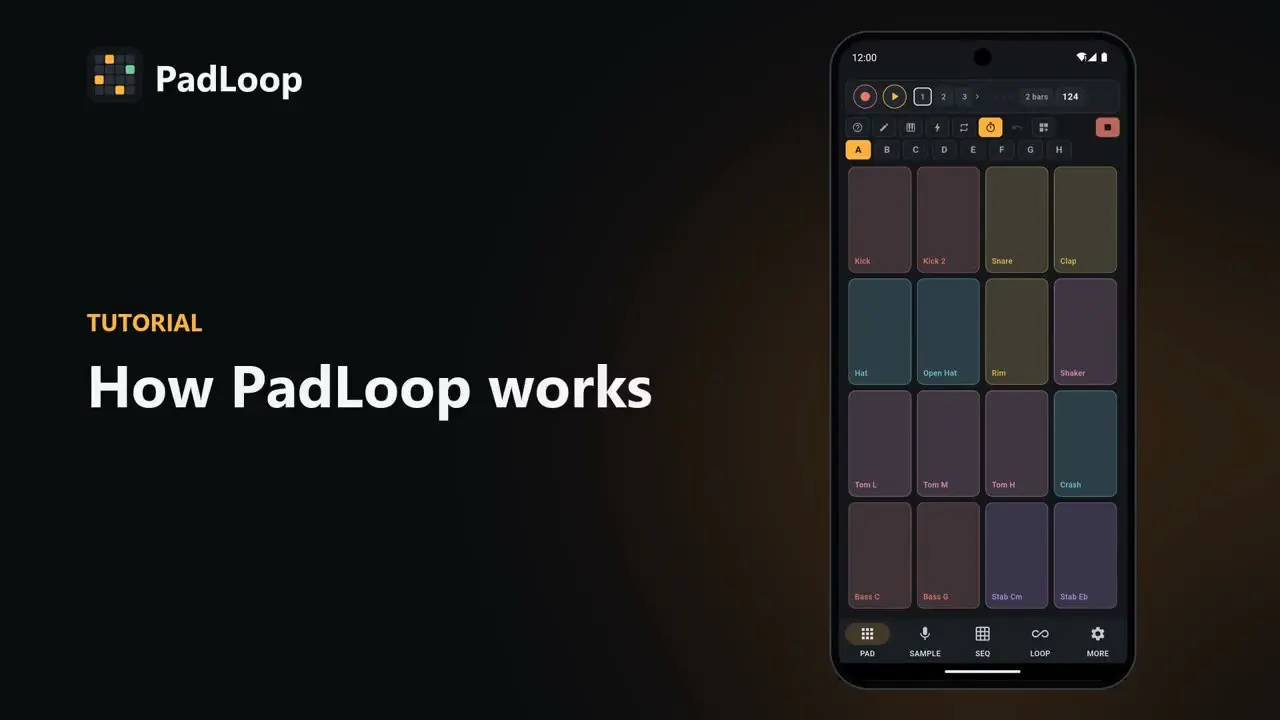
Video · 1:07
How to make an afro beat on your phone with bongos and djembe
An afro beat built from scratch with bank D, one of the banks the app comes with. Track 1 gets a bouncing kick and clap, then bongo and rim on a second pass; djembe and tambourine go on track 2 and the piano on track 3. In the LOOP tab the drums and then the bass drop out in time for a break, the drop brings everything back, and a held filter, echo and note repeat rolls on the hi-hat close it.
In the free version you get banks A and B and 2 looper tracks: bank D, the third track and the performance recording come with full PadLoop, all unlocked in the 7-day trial.
Do it yourself on your phone: 7 days with everything unlocked, then keep playing free or unlock it all with one purchase.On iPhone: in MORE tap the top row, then Start the free trial. It costs nothing and does not renew.
Get PadLoopTranscript
- 0:00 Make an afro beat from scratch
- 0:02 Pick track 1 and tap REC: a one-bar count-in starts
- 0:05 Track 1: bouncing kick and clap
- 0:10 The loop starts again by itself: listen before adding more
- 0:14 REC again on track 1: bongo and rim
- 0:19 Track 2: djembe and tambourine
- 0:24 Track 3: the piano
- 0:30 All the layers, in time. Now arrange it.
- 0:34 LOOP tab: mute the drums in time for a break
- 0:39 …then the bass: the tension builds
- 0:44 Drop: everything comes back in
- 0:48 Hold an effect while it plays: filter down, then echo
- 0:57 Note repeat on the hi-hat: rolls in time
- 1:02 The performance recording is ready to share or export
Last updated: